
Safe areas on banners
Every banner loses something at its edges to a hem, an eyelet, a pole or a base. The safe area is the part you can count on still being seen.
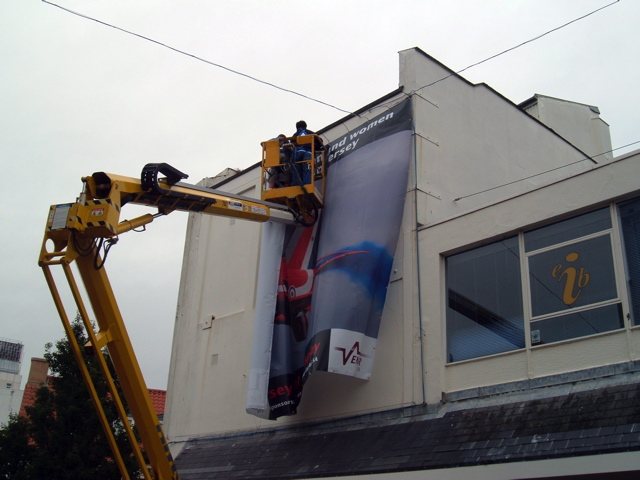
What eats the edge of each product.
Use these as starting figures while you are sketching. The real numbers depend on the finish, so ask us for a template before you lock the layout.
| Product | What takes the space | Clear margin to start from |
|---|---|---|
| PVC banner with eyelets | Hem, eyelets, ties | 50mm on all sides |
| Pole pocket banner | The pocket itself, top and often bottom | Pocket depth plus 30mm |
| Roller banner | Top rail; base and any lip at the bottom | 20mm at sides and top, 100mm or more at the foot |
| Pop-up panel | End wrap and joins | Follow the template |
| Railing or fence banner | Ties, plus bars or fence posts in front | 50mm, or more on a tall fence |
| Scaffold banner | Lashing points and scaffold tube | 100mm or more, depending on size |
Worked example: a 3000mm x 1000mm PVC banner
Take off 50mm on each edge. Your safe area is then 2900mm by 900mm, which means 100mm goes from each dimension. Background colour and images still run right out to the edge, but headlines, logos and contact details stay inside the 2900mm x 900mm box.
Draw it in your file.
- Set the page to the finished size, then add bleed if we have told you it is needed.
- Make a new layer and name it SAFE AREA: DO NOT PRINT.
- Draw a rectangle with a bright outline, inset by your margin, and lock it.
- Lay out your text inside it.
- Before exporting, turn the layer off, then check the PDF to see that it is gone.
That last step sounds obvious, but a bright guide line printed on a banner is a costly error.
Beyond the margin: things only the site can tell you
Safe areas are not only about the finish. A real site adds its own.
- Sag. A wide banner tied at the top can dip in the middle, which brings its centre closer to whatever stands below it.
- Things in front. Hedges, parked cars, crowd barriers and tables can hide the bottom of a banner. Stand at the spot and look.
- Viewing angle. From below, a lip of scaffold or a building ledge can cut across the lower edge.
- Eyelet positions. A tie across a logo is an eyesore, so see our guide to banner eyelet spacing.
Not the same as bleed
Bleed runs outward from the finished edge, and this page is about working inward from it. You will often need both, so read our guide to setting up bleed for large format alongside this one. Where the banner meets a railing, take photos of the site and send them to us with your layout. Seeing the real view often shows up a problem that the plain measurements do not.
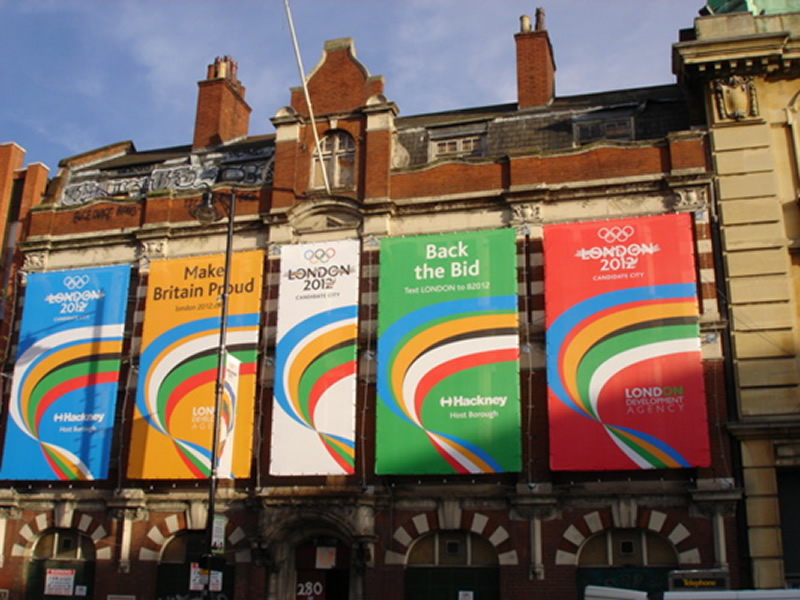
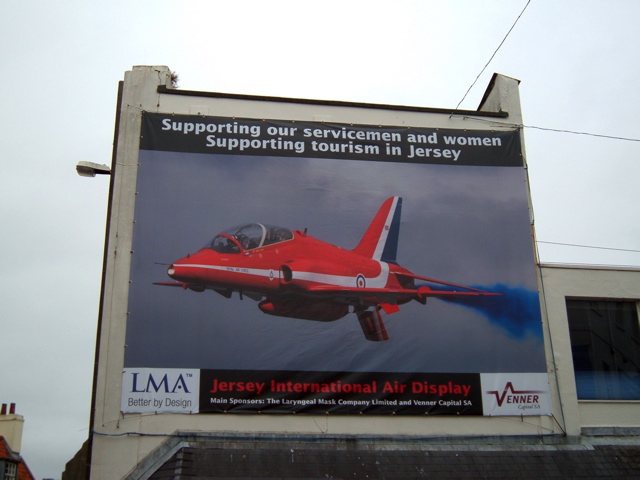
Banners in position.
Your questions.
Can a background image run into the safe margin?
Yes, and it should. The margin only applies to things that must be read or seen in full, such as text and logos.
Do double-sided banners need a bigger margin?
Tell us the design, as eyelets and hems affect both faces. The two sides also have to line up, so we will need to agree a template.
What if my text will not fit in the safe area?
Cut the text first. If that does not work, a larger banner may be the simplest fix. Do not nudge it towards the hem.