
Scanning at 8000 dpi
At 8,000 dpi a 35mm frame becomes a file of about 11,300 by 7,600 pixels. The useful question is whether your print needs that much, and whether your film holds it.
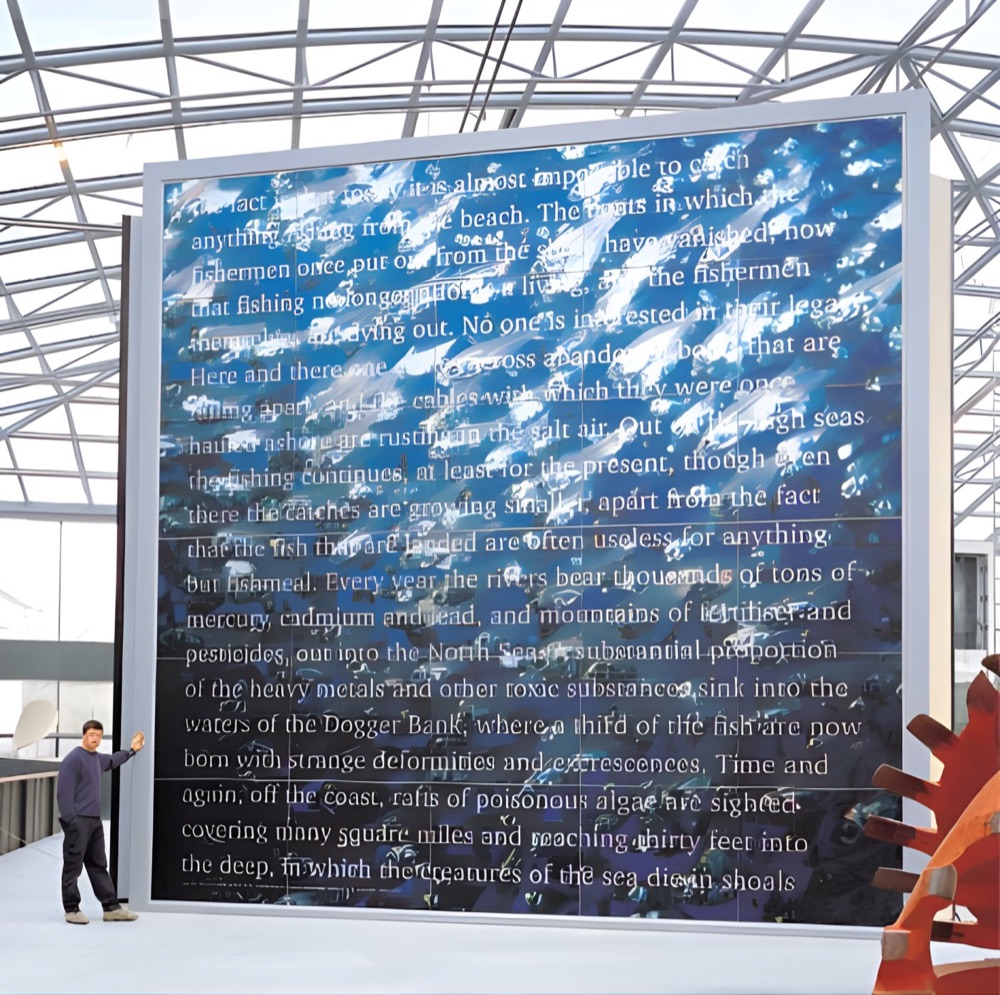
What the number produces.
Dots per inch on a scanner counts how finely the film is sampled. Multiply the size of the film in inches by 8,000 and you have the pixels in the file. Small film gives a large file, and big film gives an enormous one.
| Film | Pixels | Megapixels | File size |
|---|---|---|---|
| 35mm (36mm x 24mm) | 11,339 x 7,559 | About 86 | About 257MB |
| 6x7 (70mm x 56mm) | 22,047 x 17,638 | About 389 | About 1.2GB |
| 5in x 4in sheet | 40,000 x 32,000 | 1,280 | About 3.8GB |
Save at 16 bits per channel and those file sizes roughly double.
The sum that sets the right resolution
Work backwards from the print:
Scan dpi = print width in inches x target ppi ÷ film width in inches.
Say you want a 40in wide print at 200ppi. That calls for 8,000 pixels across. A 35mm frame is about 1.417in wide, so 8,000 ÷ 1.417 gives you roughly 5,650 dpi. Using the same target, a 5in wide sheet of film only needs 1,600 dpi.
| Film | 40in wide print | 60in wide print |
|---|---|---|
| 35mm | About 5,650 dpi | About 8,470 dpi |
| 6x7 | About 2,900 dpi | About 4,350 dpi |
| 5in x 4in sheet | 1,600 dpi | 2,400 dpi |
So 8,000 dpi is a small-film tool. A 60in print from 35mm is the one case here that runs past it, and a full scan still gives you about 189ppi at that width, which holds up well at normal viewing distances.
More pixels are not always more picture
Film has its own limit. Past a certain point, set by the film stock, lens and focus, a higher setting records the grain ever more precisely without adding detail to the subject. Sharp, fine-grained 35mm repays a high setting. A fast film or a soft original may not.
Photographic prints are a clearer case. A print usually holds much less detail than the film it came from, so scanning one at the top setting mainly records paper surface.
When the top setting makes sense
- Small film going very large
- Cropping hard into one part of a frame
- A one-off master scan from fragile or irreplaceable film
When it gets in the way
Files in the gigabytes are slow to open and retouch, and awkward to back up or transfer. Our guide to sending large files has options, but the simpler fix is a scan sized to the job. Give us the film format and final print size and we can suggest a setting, then see image resolution for large prints for the print side of the sum.
Fine detail at very large sizes.
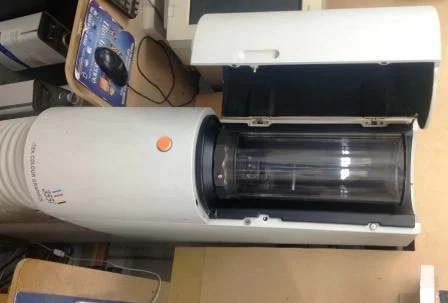
Your questions.
Is 8,000 dpi the same as 8,000 ppi?
In everyday use, yes. Scanners are usually quoted in dpi, and the file they produce is measured in pixels, so the two figures describe the same sampling here.
Can you scan everything at 8,000 dpi?
Up to 8,000 dpi is the limit, and the right setting depends on the original and its use. We would rather agree a resolution with you than hand you a huge file you never needed.
Is a higher setting charged differently?
Our list prices are set by the size of the original. If you have an unusual request, or an original above A3, phone us and we will confirm the price.