
Image resolution for large prints
A file that looks sharp on screen can turn soft at poster size. One simple sum tells you what you have, and viewing distance tells you whether it is enough.
The two-step check.
Step 1. Find the pixel size of your image. On most computers it is listed in the file details.
Step 2. Divide the width in pixels by the print width in inches. The answer is your pixels per inch, or ppi, at that size.
So a 4,000 pixel wide image printed 40 inches wide gives 100ppi. The same image at 20 inches wide gives 200ppi. The file has not changed; the pixels have only been spread out further.
Worked examples
| Image width | 20in print | 30in print | 40in print | 60in print |
|---|---|---|---|---|
| 3,000 pixels | 150ppi | 100ppi | 75ppi | 50ppi |
| 4,000 pixels | 200ppi | 133ppi | 100ppi | 67ppi |
| 6,000 pixels | 300ppi | 200ppi | 150ppi | 100ppi |
| 8,000 pixels | 400ppi | 267ppi | 200ppi | 133ppi |
Why there is no single right number
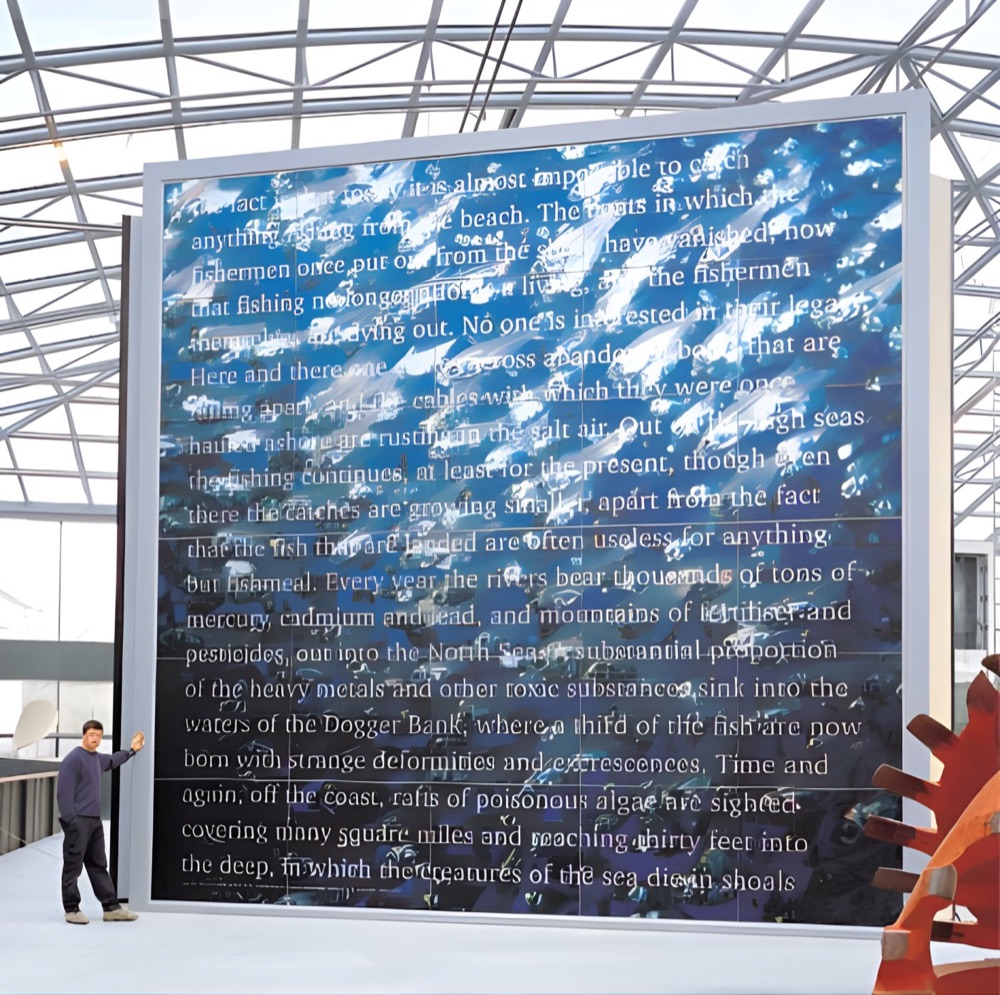
You will often hear 300ppi, and that is sensible for something read in the hand. Large prints are viewed from further back, so they can work with less. A billboard is an extreme example: seen from across a road, its low resolution never shows. A photograph on a gallery wall is the opposite, because visitors walk right up to it.
So the question is not just how many pixels you have. It is how close people will stand.
Things that will not fix a small file
- Changing the ppi number in a file without adding detail
- Saving a small JPEG again at higher quality
- Taking a screenshot, or saving an image from social media
Things that do help
- Going back to the original camera file or design file
- Using vector artwork for logos and text, which scale cleanly
- Choosing a smaller print size, or a viewing position further back
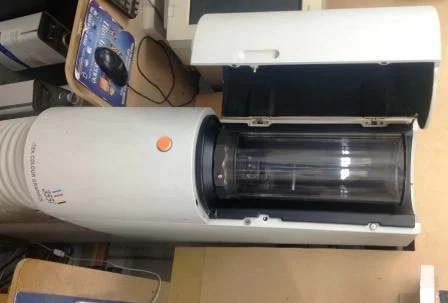
- Rescanning from the original film or print with a high-quality scan
Not sure? Ask before you print.
Send us the file and the finished size and we will check it. See our artwork guide for the rest of the file set-up.
Big images, seen from a distance.
Your questions.
What is the difference between dpi and ppi?
Ppi describes the pixels in your image file. Dpi describes dots laid down by a printer. People often use them to mean the same thing when they talk about artwork.
Do vector files have a resolution?
Vector shapes and text scale without losing sharpness. Any photos placed inside the file still have a fixed pixel size.
Can you enlarge my photo for me?
Talk to us. We can look at the file and tell you honestly how it will hold up at the size you want.